

Prerequisites
Before you begin, ensure the following:- Shopify Admin Access: You have administrative access to your Shopify store.
- API Key: Generate one in your Gale Dashboard under Developer Tools → API Keys. Copy it when it’s shown — the full key is only displayed once. See Account setup if you haven’t set up your dashboard yet.
Installation Steps
1
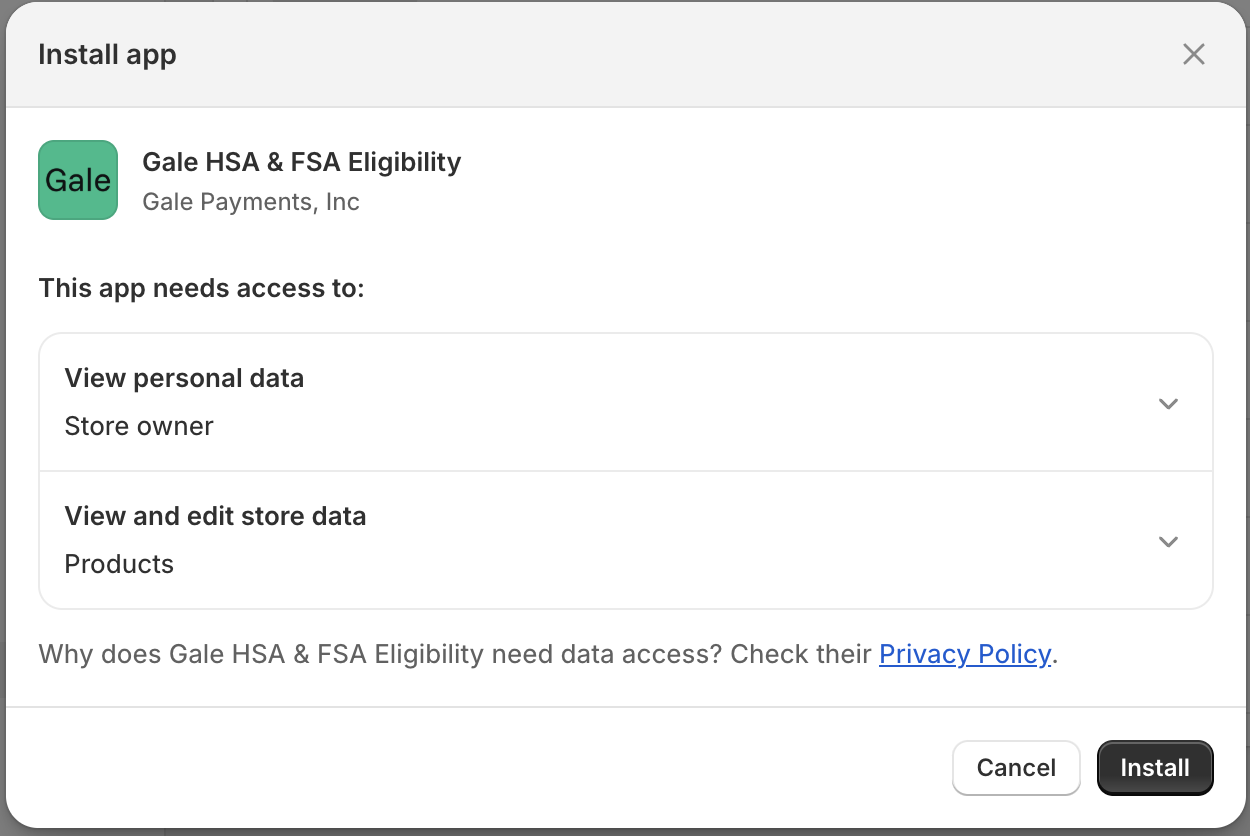
Install Gale Eligibility App
-
Install Gale HSA & FSA Eligibility app.
2
Configure Eligibility API Credentials
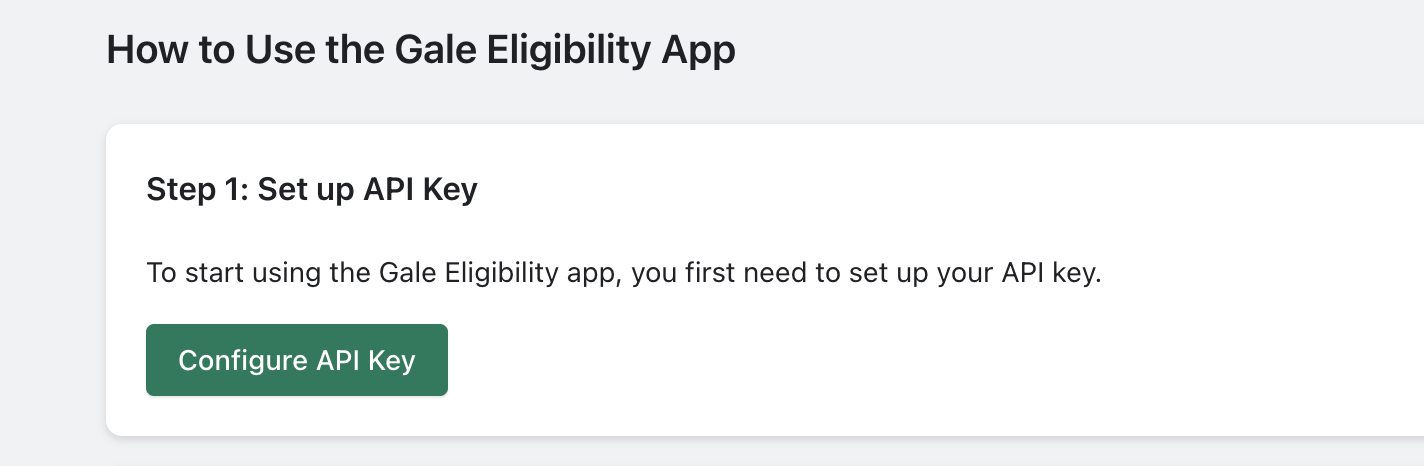
- Go to Shopify Admin > Open Gale HSA & FSA Eligibility App
-
Click Configure API Key
-
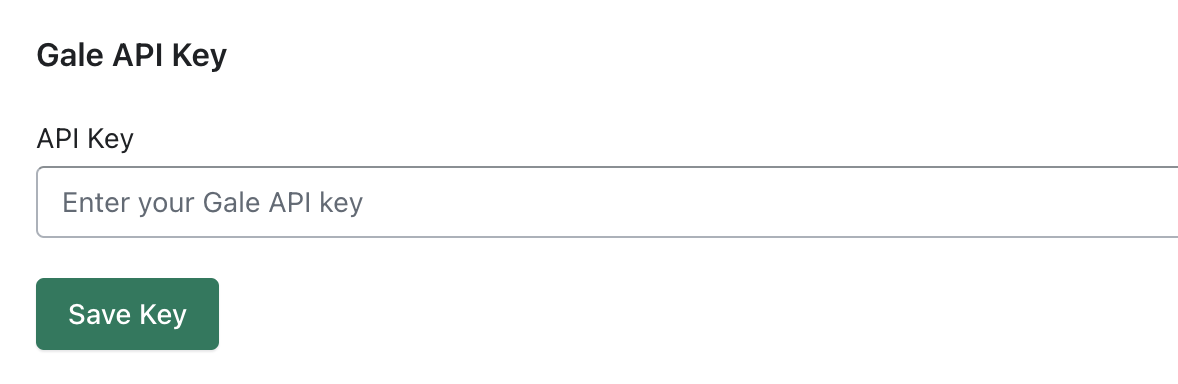
Enter Gale API Key provided during onboarding process and Click Save .
3
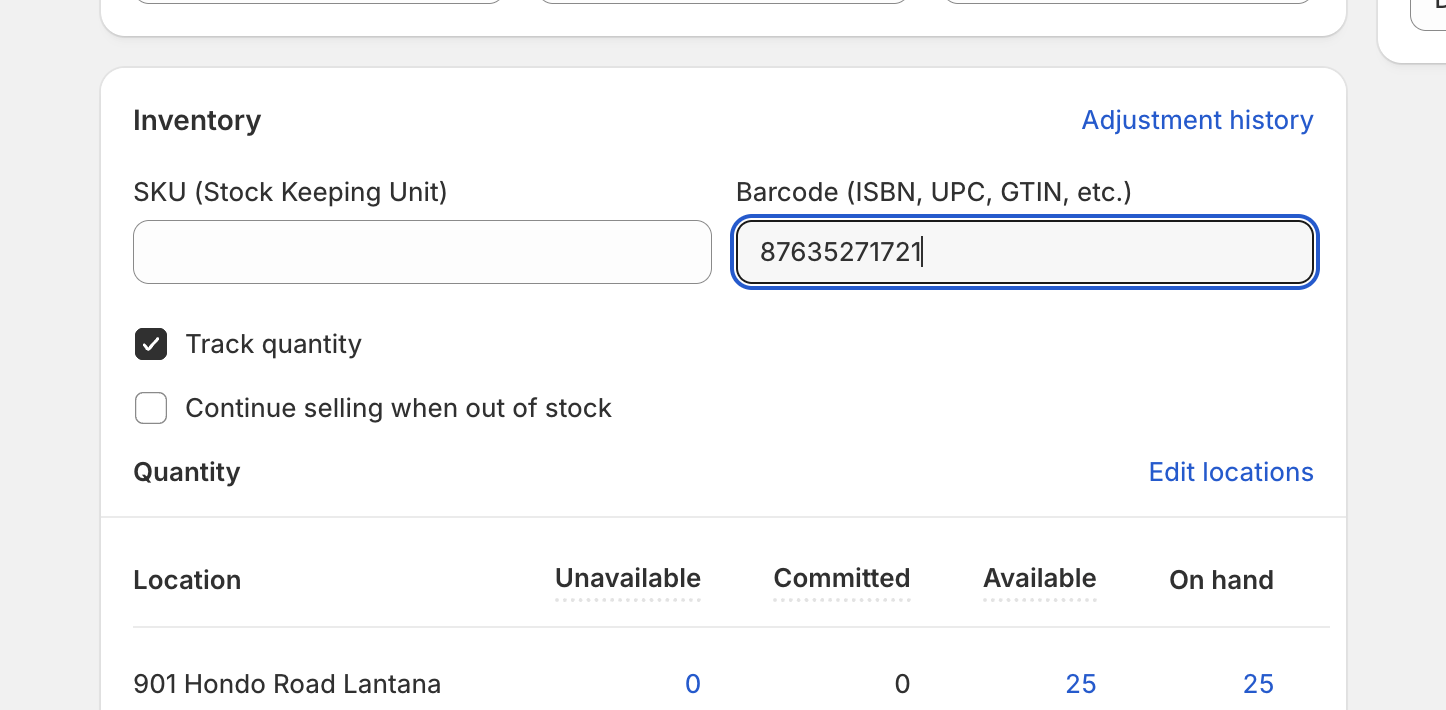
Add GTIN/UPC Codes to Products
- Click Go to Products Edit Page → and enter GTIN/UPC Code in the Barcode (ISBN, UPC, GTIN, etc.) field.
4
Sync Products
-
Open Gale HSA & FSA Eligibility App in store admin.
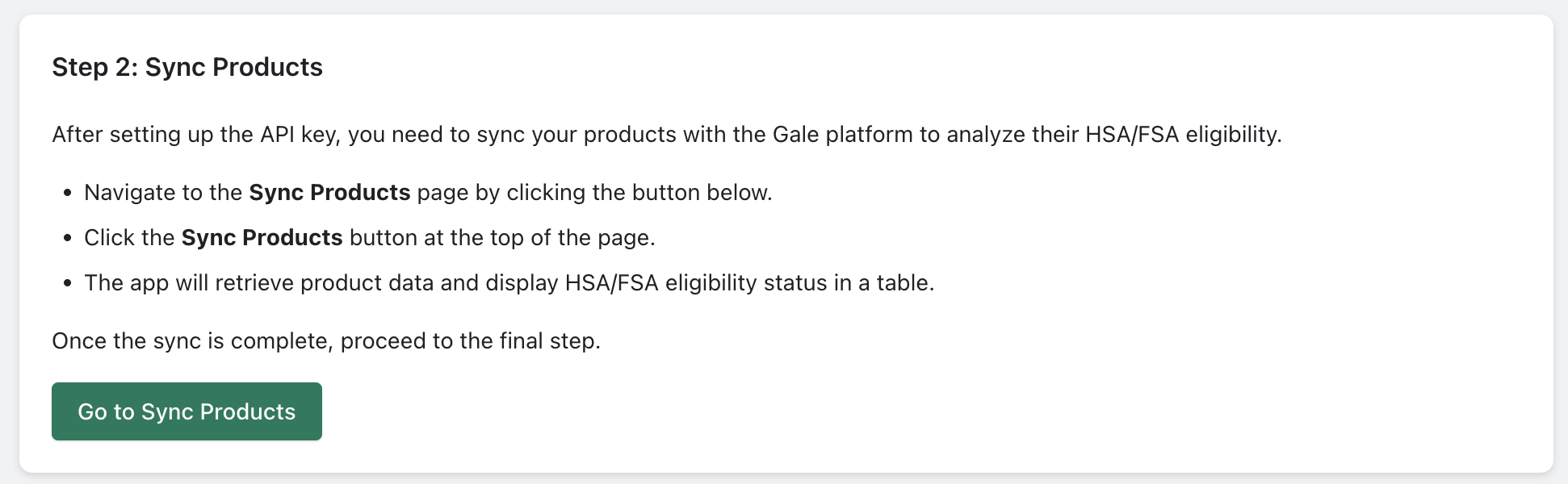
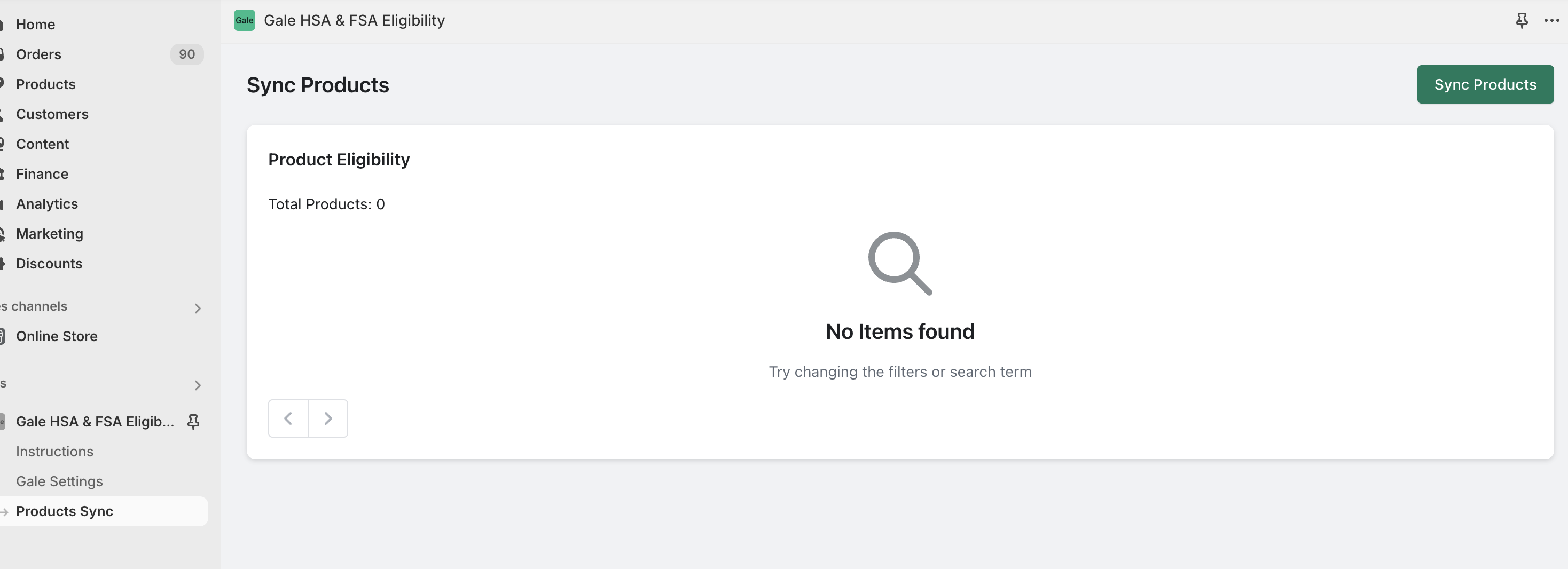
To display HSA/FSA eligibility messaging on your product pages, add the eligibility widget to your theme — see Onsite Messaging.
5
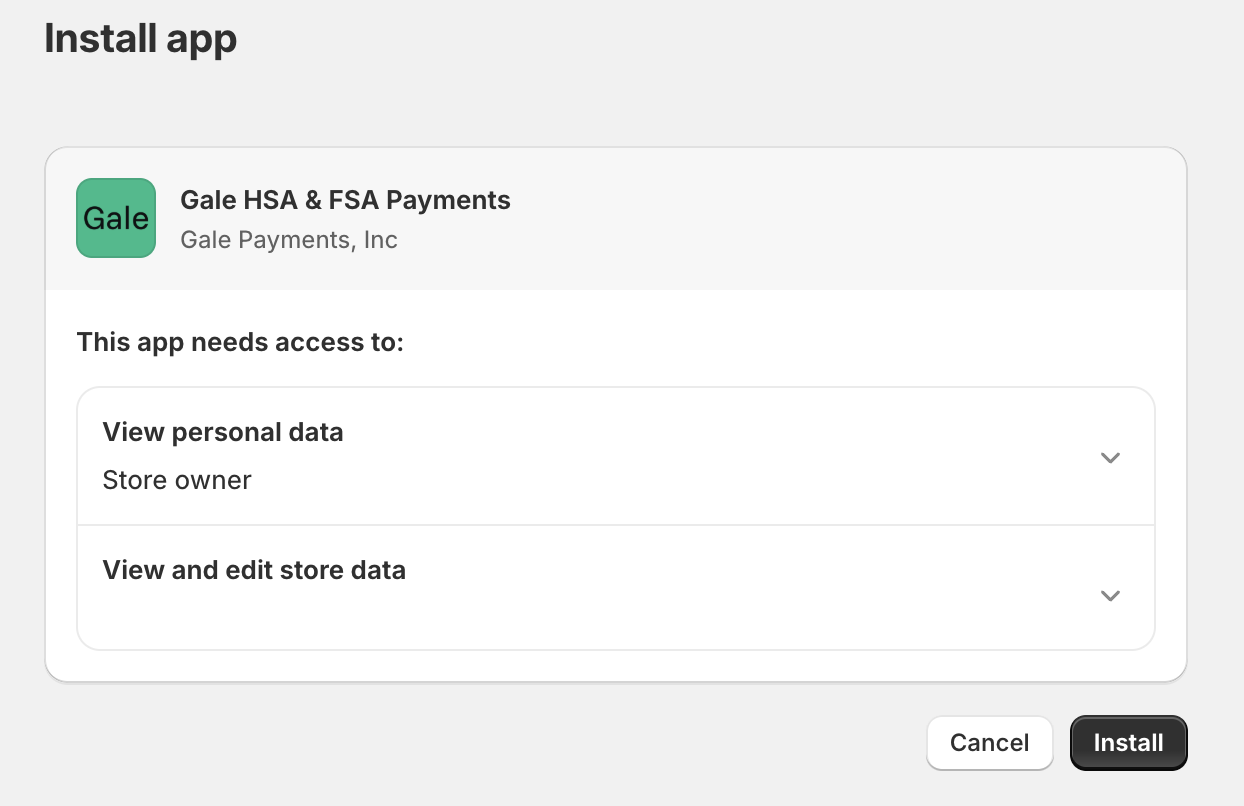
Install the Gale Payments App
- Install the HSA & FSA Payments – Gale
- Follow the prompts to add the payments app to your store.
6
Enter Store Details and API Key
- After installing the app, you will be redirected to Configure Gale Payments App
- Enter your Store Name and API Key provided during onboarding.
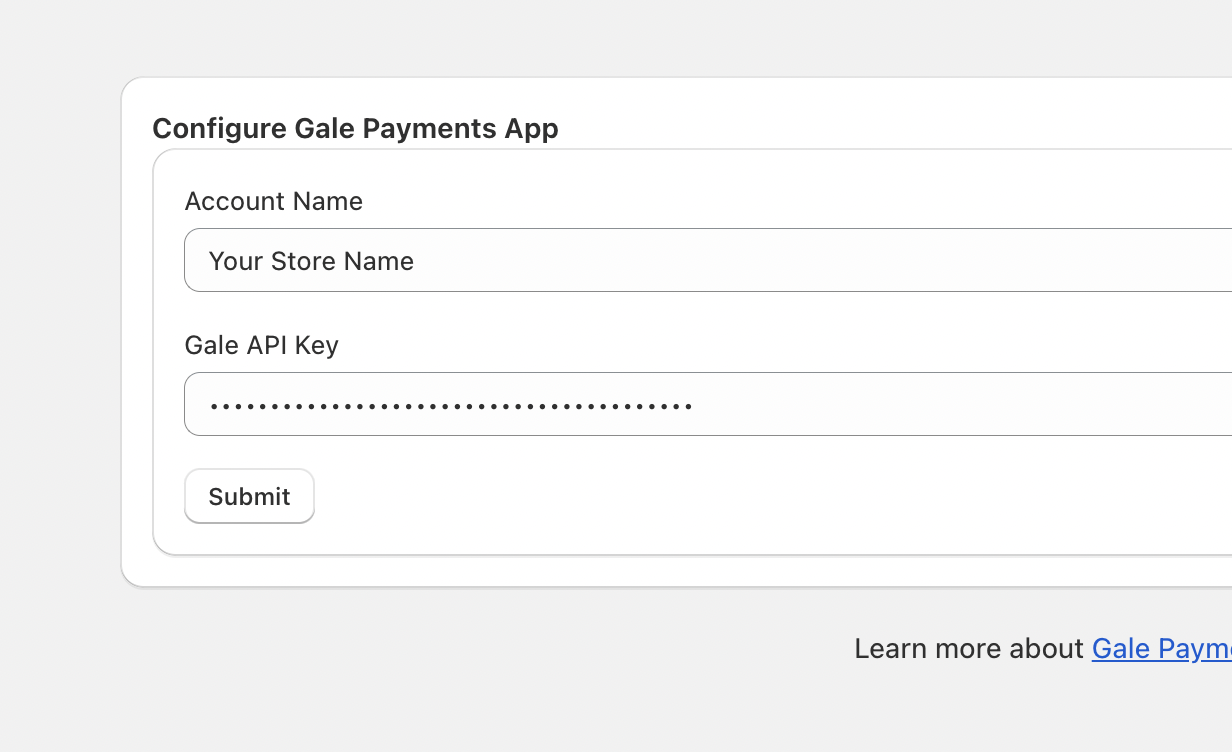
- Save your settings.
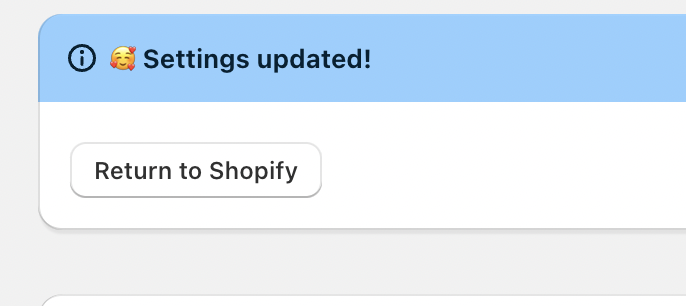
- Click Return to Shopify.
7
Configure Gale Payments in Shopify
- Go to Shopify Admin > Settings > Payments.
- Click Add Payment Method.
- Select Search by Provider and type “hsa”.
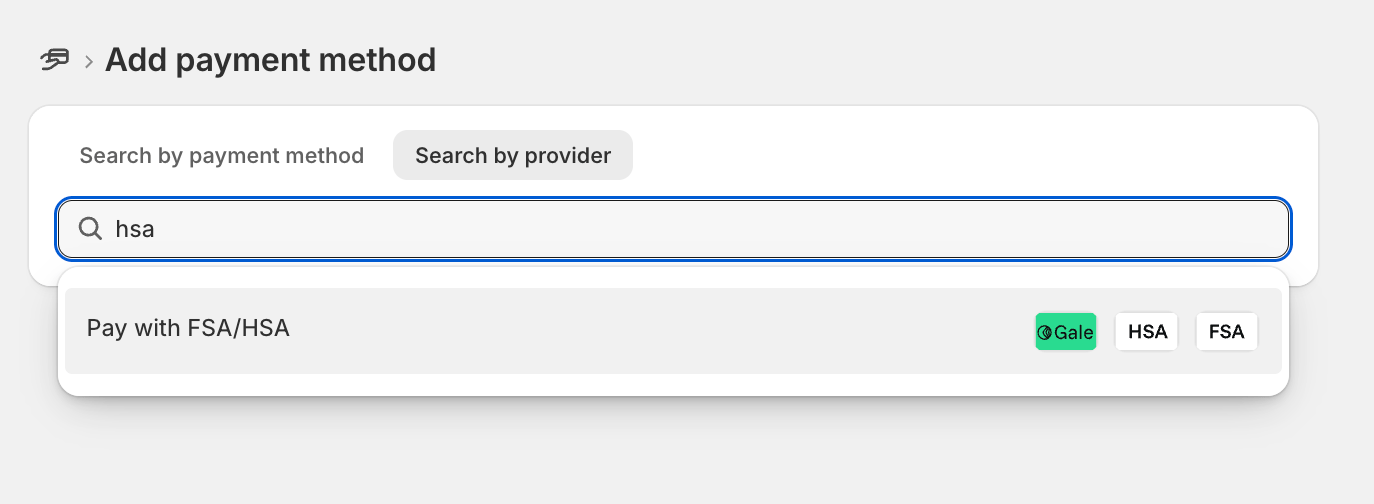
- Choose Pay with HSA/FSA from the list.
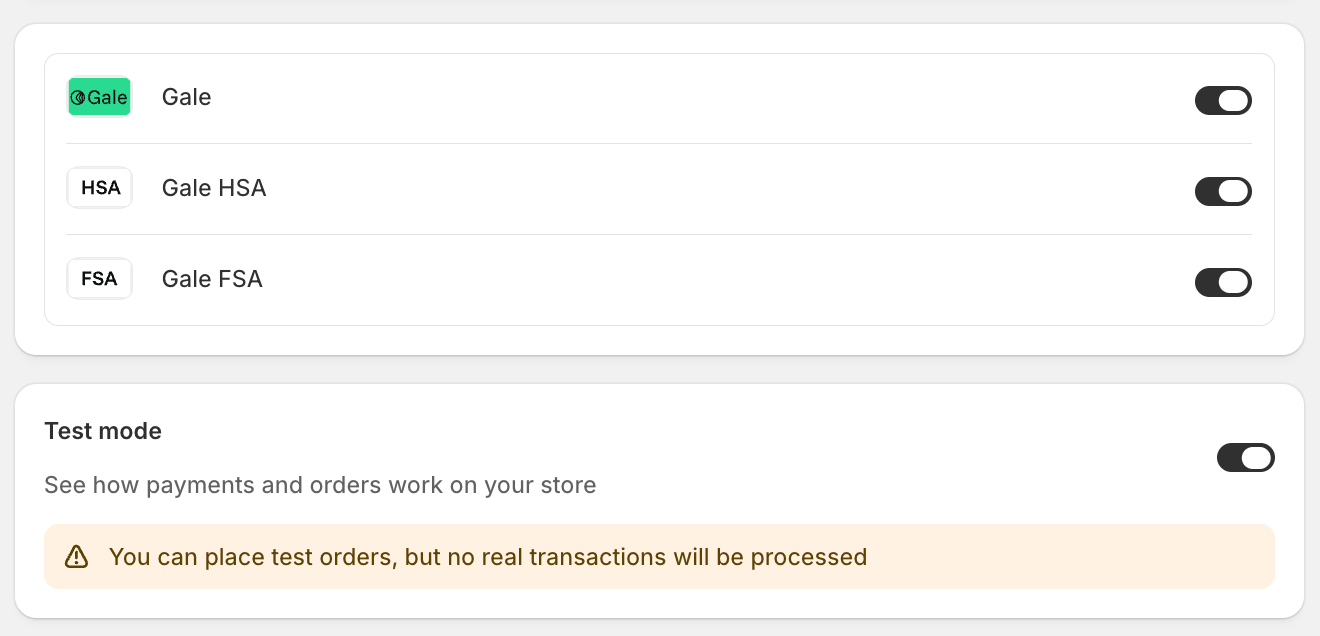
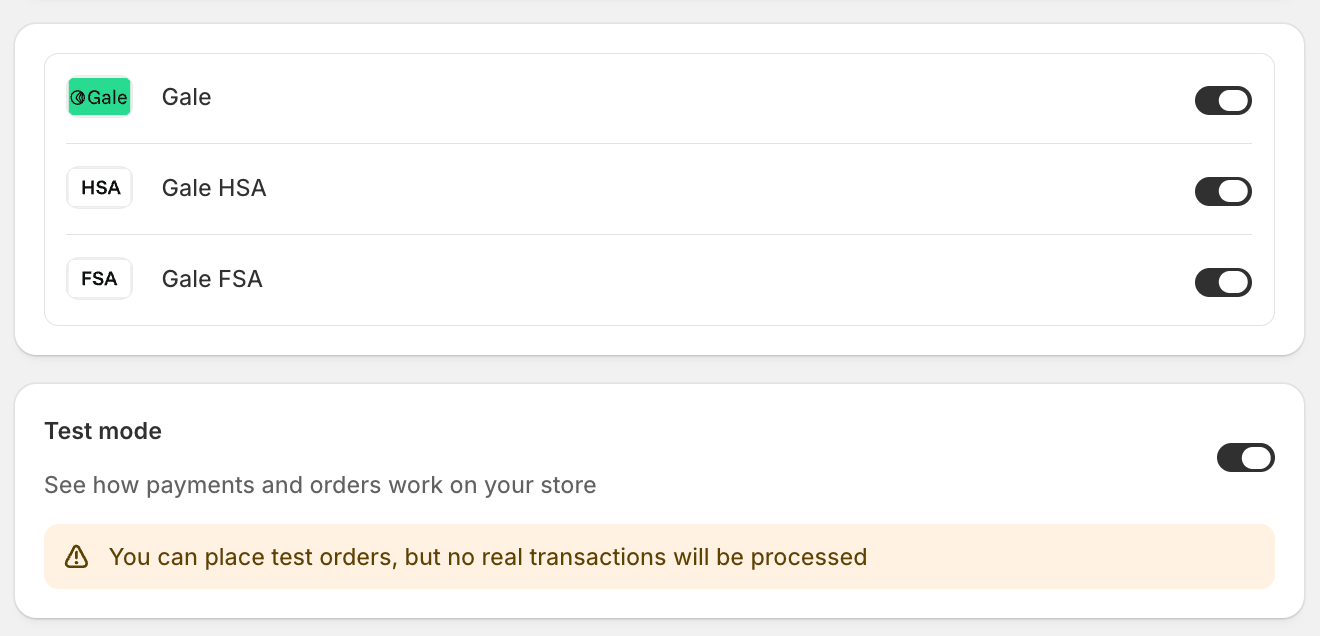
- Enable Test Mode and click Activate.
8
Setup Gale Pixel
- Go to Shopify Admin > Settings > Customer Events.
- Click Add Custom Pixel.
- Enter Pixel Name “Gale Pixel”.
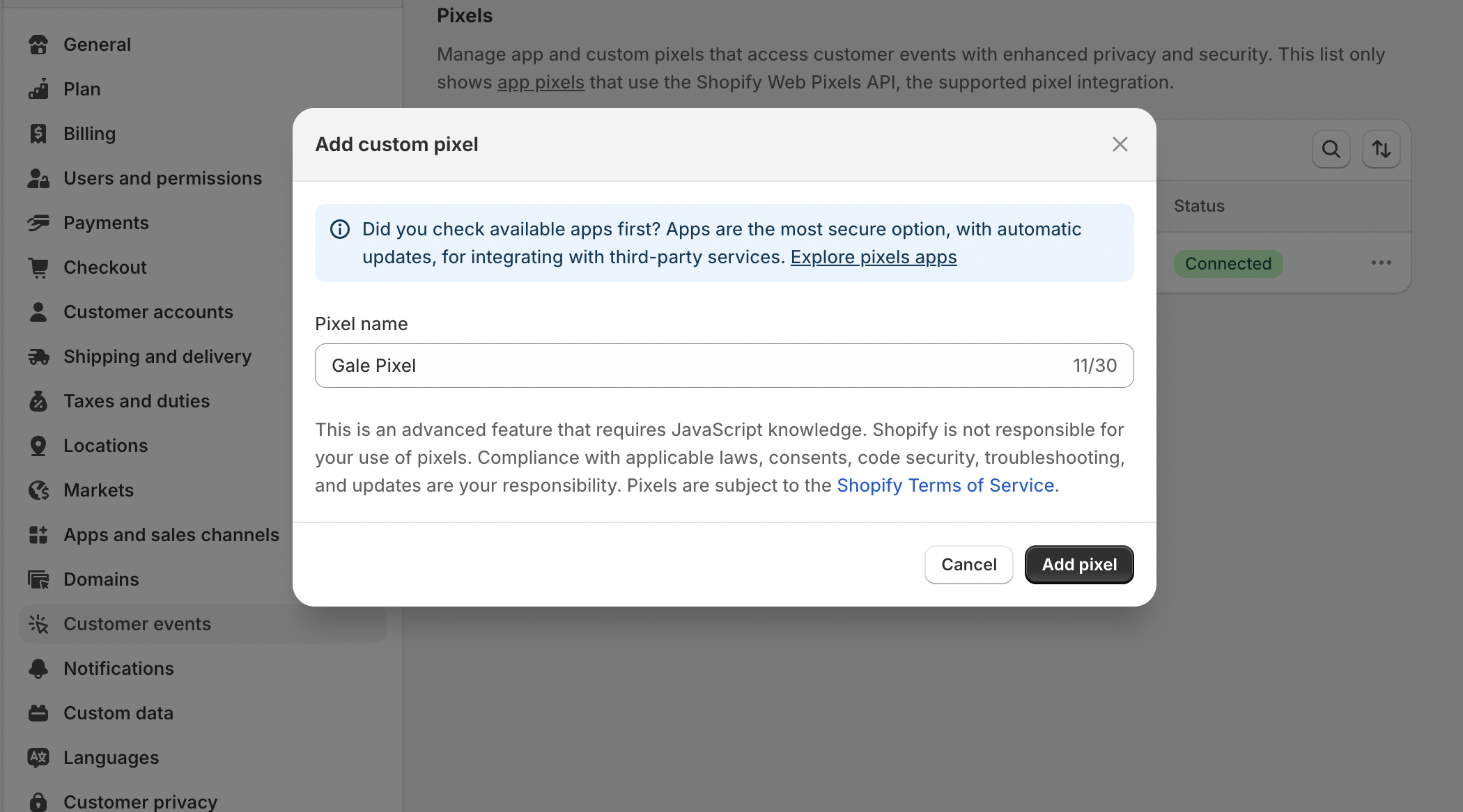
- Enter the following Pixel Code and click Connect to save.
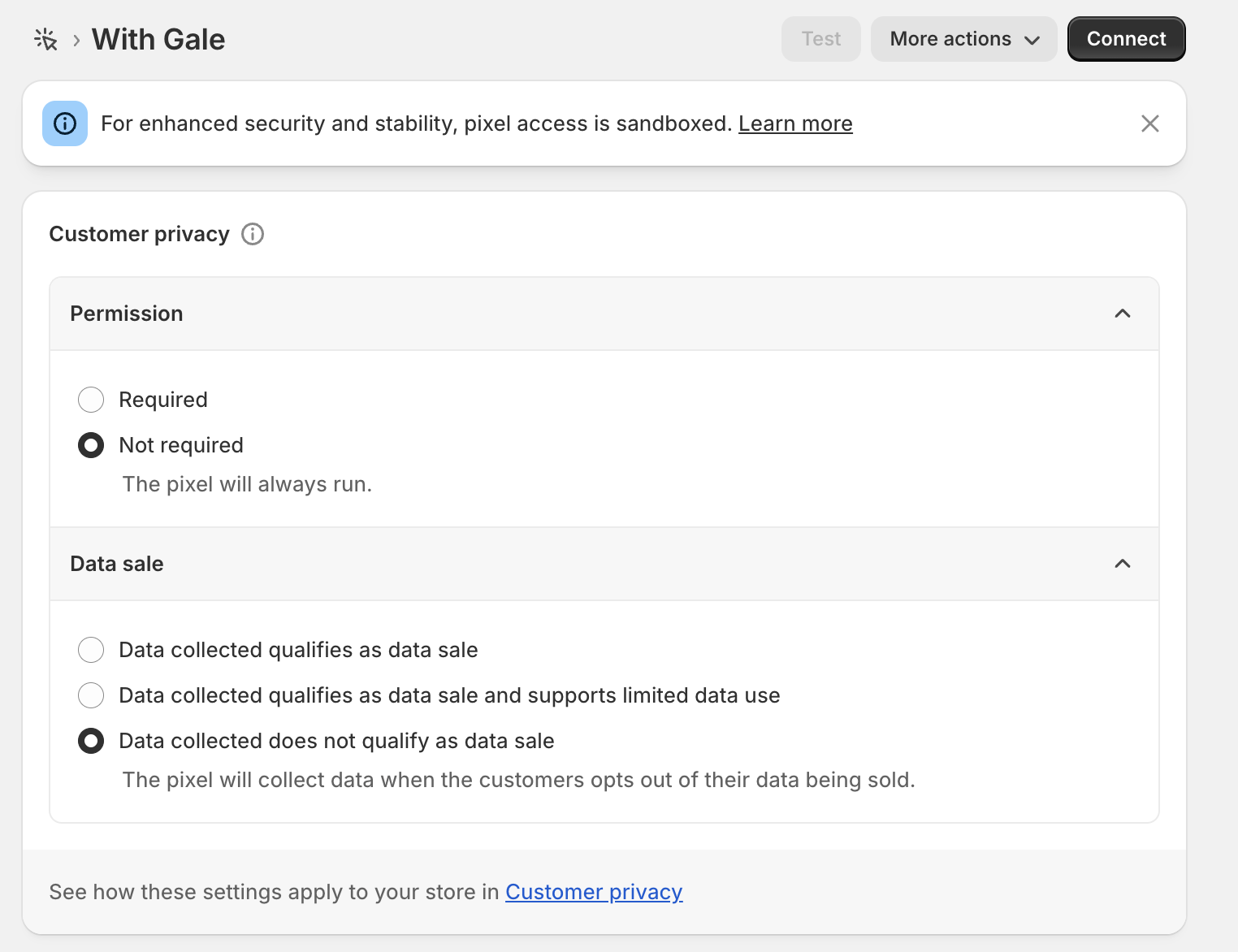 In the Customer privacy section, configure the settings as follows:
- Permission
- Select Not required
- Data sale
- Select Data collected does not qualify as data sale
- Permission
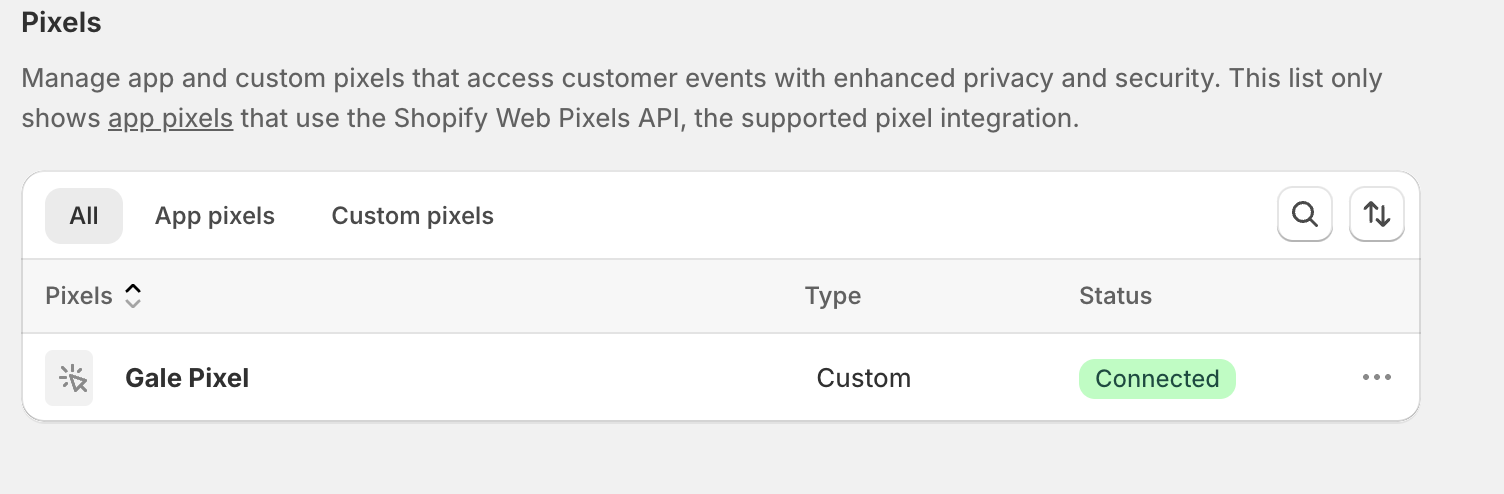
- Make sure the Pixel status is Connected.
9
Test the Integration
- Go to your store and add a product to the cart.
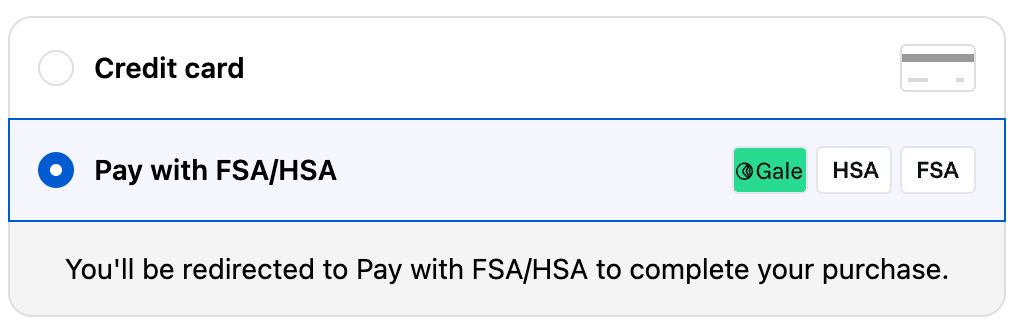
- Proceed to checkout and select Pay with FSA/HSA as the payment method.

- Use one of the Test Cards for the transaction.
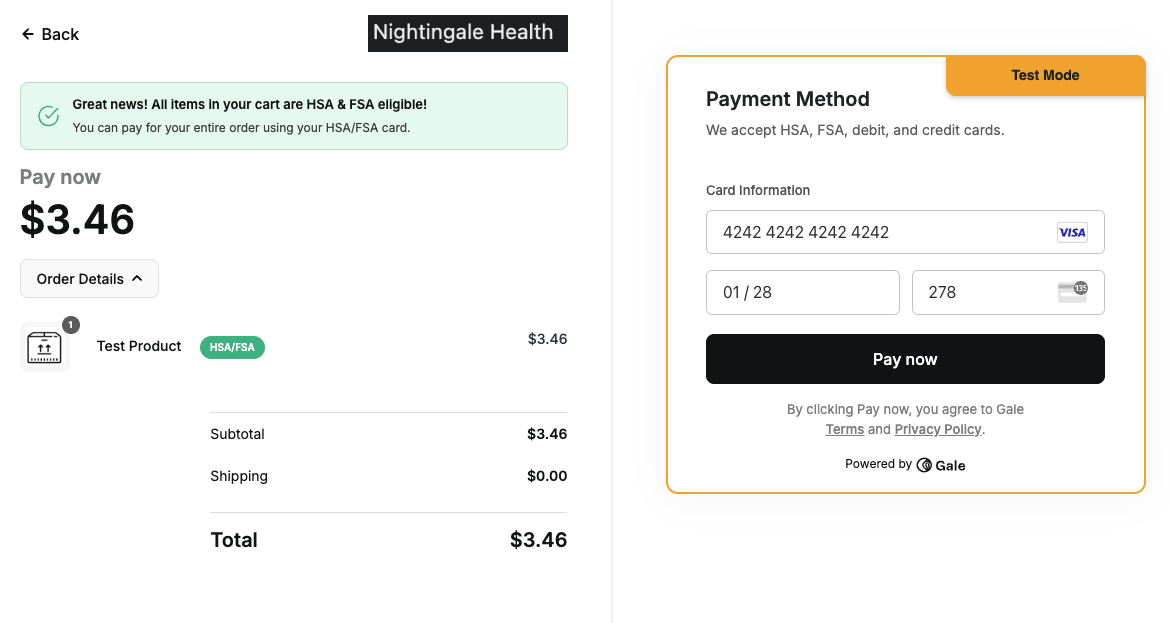
- Verify the order and payment status in your Shopify Admin to ensure that test transaction is successful.
10
Go Live
- Return to the Gale Payments app in your Shopify Admin.
- Disable Test Mode in the settings.
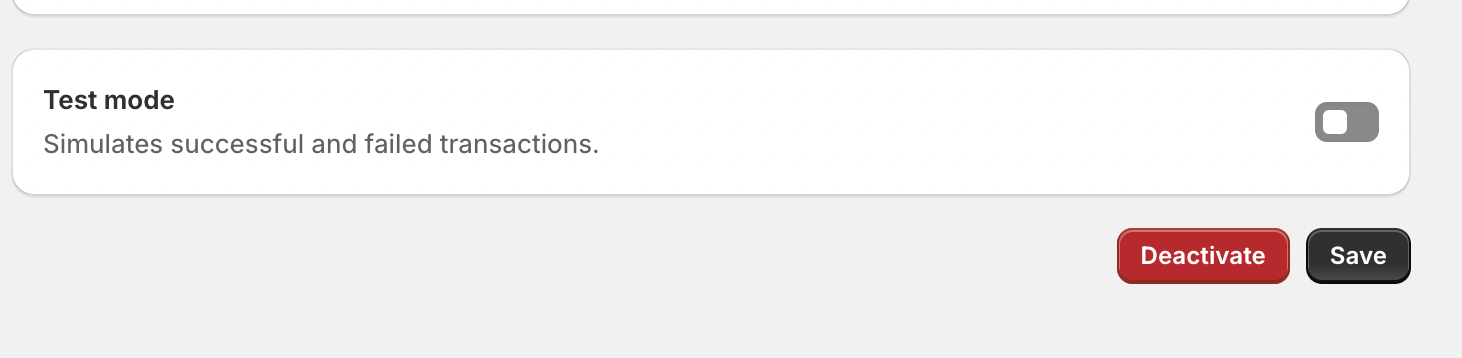
- Save your changes and you are ready to accept HSA & FSA cards using Gale Payments.
Resources
Test Cards
Use these cards only when Test Mode is enabled.
Onsite Messaging
Add the HSA/FSA Eligibility widget to your theme for onsite product messaging.
Troubleshooting
- App Not Visible: Ensure the Gale Payments app is installed and activated in your Shopify Admin.
- API Key Issues: Double-check your API Key for accuracy.
- Test Transactions Failing: Confirm you are using valid Test Cards.
- Product not Eligible: Ensure that you have added correct GTIN/UPC Codes for relevant products and have synced products after doing so.
Need Help?
If you encounter any issues, contact our support team at support@withgale.com. We’re here to help!By completing these steps, your Shopify store is now fully equipped to accept HSA/FSA payments with Gale Payments!