

Prerequisites
Before you begin, ensure the following:- Shopify Admin Access : You have administrative access to your Shopify store.
- Gale Setup Complete : You have installed the Gale HSA & FSA Eligibility app, configured your API Key, and synced your products. See the Shopify installation guide if you haven’t done this yet.
Add HSA/FSA Eligibility Widget
1
Add the Widget to Your Theme
Click Add Widget to Theme or go to your theme editor page and select Default Product PageTemplate.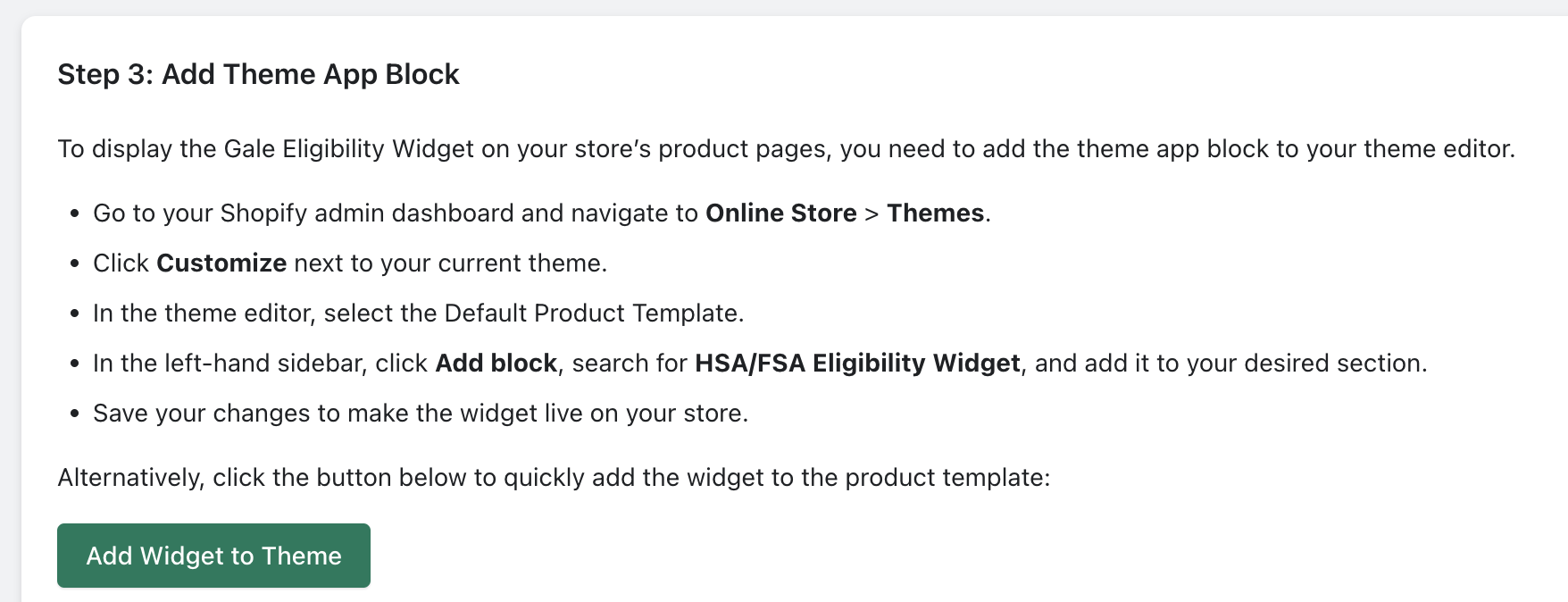
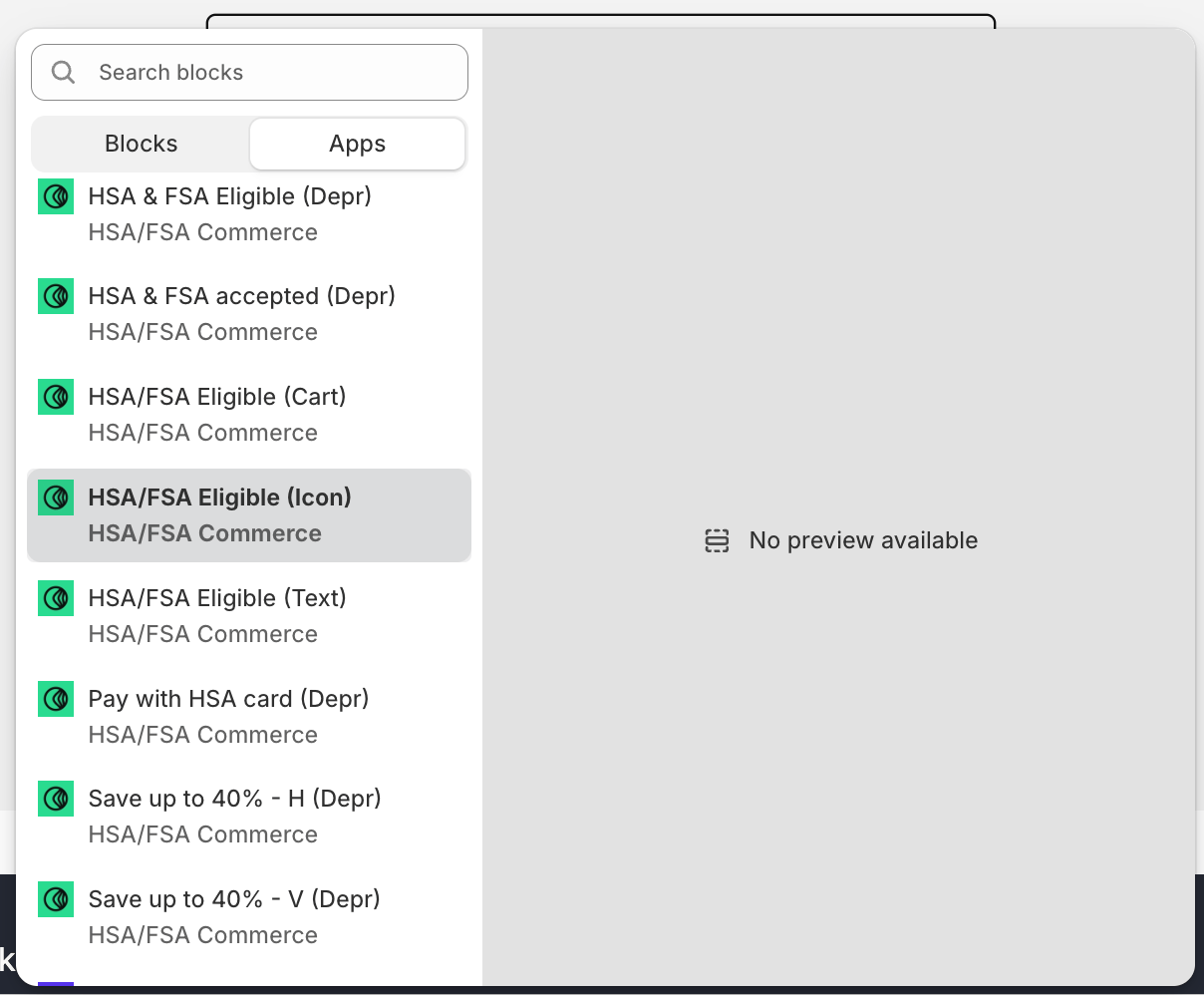

- HSA/FSA Eligible (Icon)
- HSA/FSA Eligible (Text)
Custom Code for Widgets
Add Onsite messaging using Custom Code
If you are using a custom theme , you can paste code snippets provided at approriate locations (product page template preferred.)
Troubleshooting
- Eligibility Messaging not Visible: Ensure that you have synced products and added messaging widget to Default Product Template using theme editor.
- Product not Eligible: Ensure that you have added correct GTIN/UPC Codes for relevant products and have synced products after doing so.
Need Help?
If you encounter any issues, contact our support team at support@withgale.com. We’re here to help!By completing these steps, you will be able to see HSA/FSA Eligibility messaging on your store for eligible products.